Artificial Intelligence is changing the way students learn, research, write, and prepare for exams. Tasks that once required hours of effort can now be made easier with the help of AI-powered tools.
Whether you’re a school student, college student, or someone preparing for competitive examinations, learning how to use AI effectively can give you an advantage.
From creating presentations and summarising lengthy PDFs to solving mathematical problems and learning programming, there are several AI tools that can make your academic journey more productive.
The best part? Many of these tools offer free plans, making them accessible to students.
Here are 10 AI tools every student should know in 2026.
1. ChatGPT – Your Personal AI Study Assistant
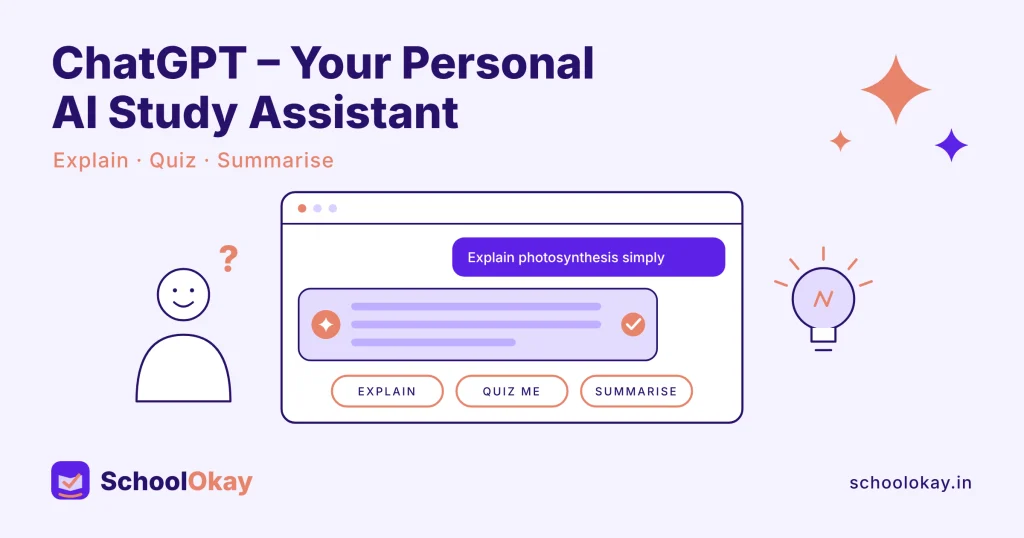
ChatGPT is one of the most versatile AI tools students can use for learning and productivity. It can help you understand complicated subjects, generate practice questions, explain difficult concepts, and organise your study schedule.
Instead of simply memorising information, students can use ChatGPT to understand topics through examples and step-by-step explanations.
What can students do with ChatGPT?
- Understand difficult academic concepts.
- Generate quizzes and practice questions.
- Create personalised study plans.
- Get help with writing and brainstorming.
- Learn new subjects through interactive conversations.
Website: https://chatgpt.com
2. NotebookLM – Turn Your PDFs Into Learning Resources
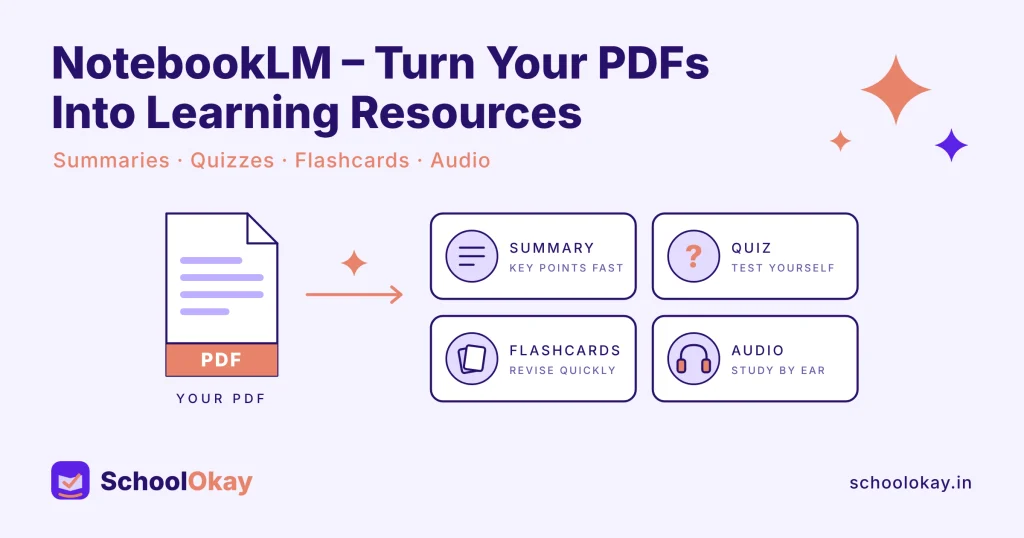
NotebookLM by Google is an AI-powered research and learning assistant that works with the sources you provide.
Imagine having hundreds of pages of study material and needing to understand the important information quickly. NotebookLM can help you summarise your documents, identify key topics, and explore information through questions and answers.
It can also generate Audio Overviews, making it easier to revisit your study material in a conversational audio format.
What can students do with NotebookLM?
- Summarise lengthy PDFs and documents.
- Generate study guides.
- Ask questions about uploaded material.
- Create audio overviews.
- Organise research and study notes.
Website: https://notebooklm.google.com
3. Perplexity AI – Your AI Research Assistant
Research is an important part of student life, especially when preparing assignments, presentations, and academic projects.
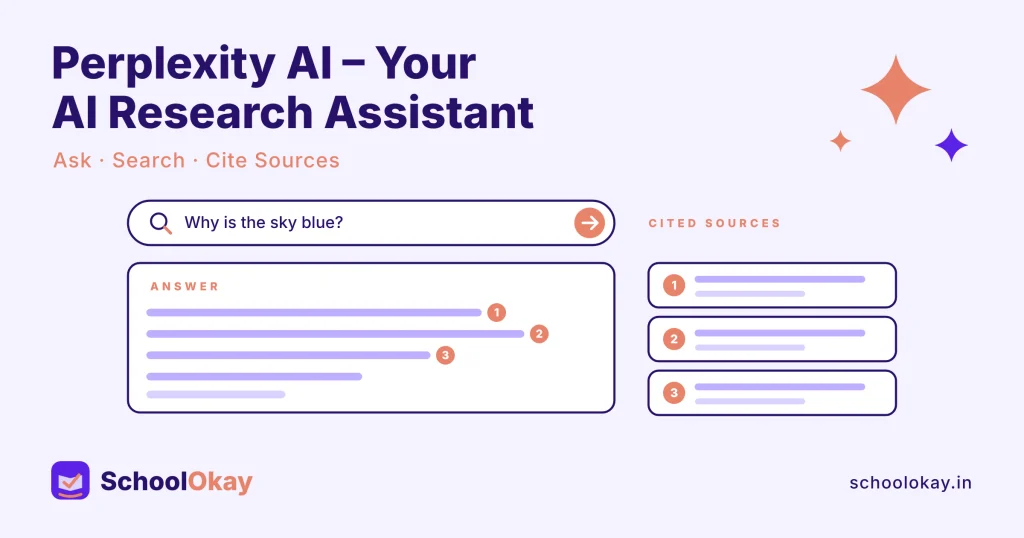
Perplexity AI helps students explore topics by providing AI-generated answers alongside relevant sources and references.
Instead of opening multiple websites to understand a subject, students can start their research with a single question and explore the cited sources for further information.
What can students do with Perplexity AI?
- Research academic topics.
- Discover relevant articles and sources.
- Explore complex questions.
- Find references for assignments.
- Compare information from different sources.
Website: https://www.perplexity.ai
4. Google Gemini – An AI Assistant for Everyday Learning
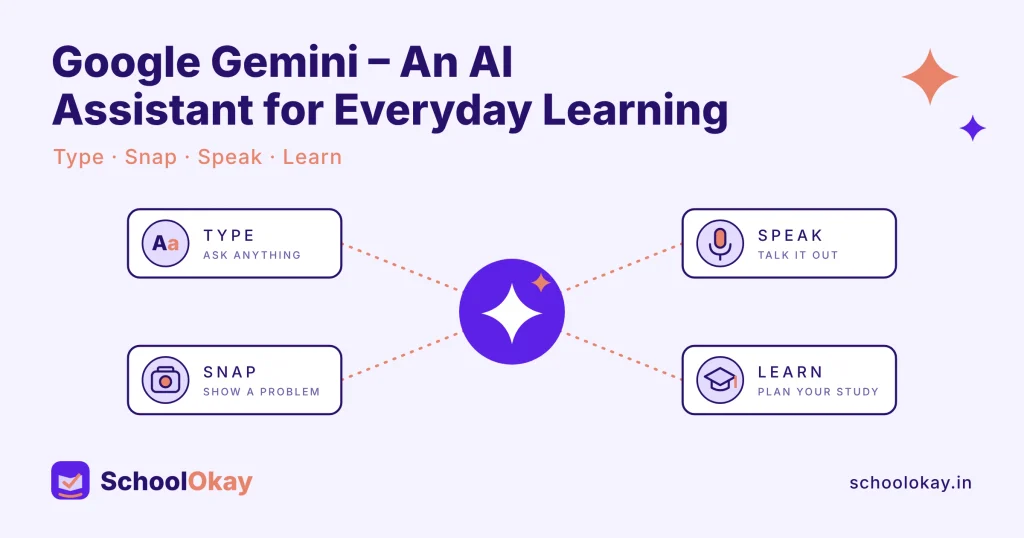
Google Gemini is another useful AI assistant that can help students with everyday academic tasks.
From explaining difficult concepts to brainstorming project ideas, Gemini can support different stages of the learning process.
Students can use it to explore subjects, generate ideas, and get explanations in a simpler format.
What can students do with Google Gemini?
- Understand complicated topics.
- Brainstorm academic project ideas.
- Get help with writing and research.
- Explore questions across different subjects.
- Work with supported images and documents.
Website: https://gemini.google.com
5. Grammarly – Improve Your Academic Writing
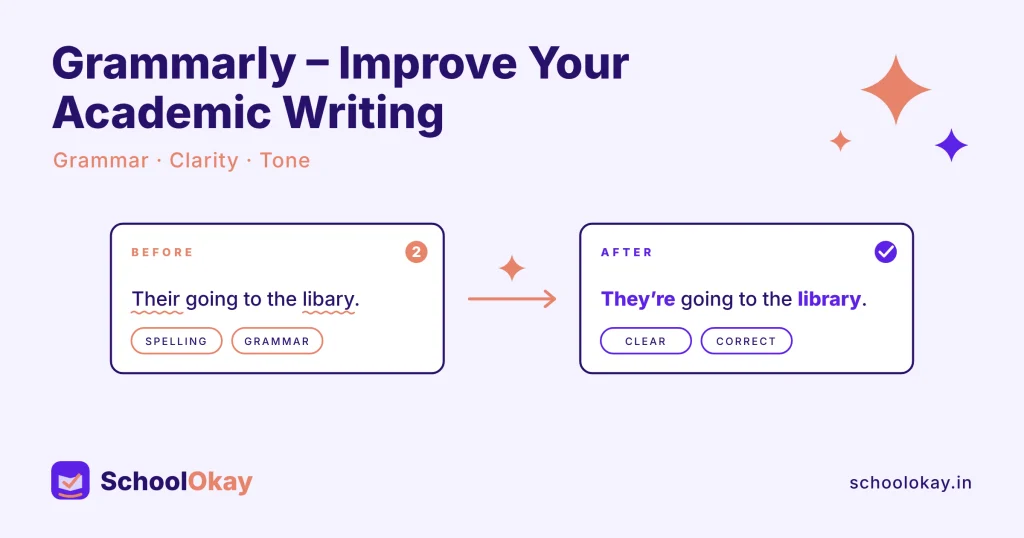
Good communication and writing skills are important for every student. Whether you’re preparing an assignment, writing an email, or creating a resume, clear writing makes a difference.
Grammarly is an AI-powered writing assistant that helps users improve their grammar, spelling, clarity, and writing style.
It can be particularly helpful for students who want to make their academic writing more professional and understandable.
What can students do with Grammarly?
- Correct grammar and spelling mistakes.
- Improve sentence structure.
- Make writing clearer.
- Adjust writing tone.
- Review academic and professional documents.
Website: https://www.grammarly.com
6. Gamma – Create Presentations With AI
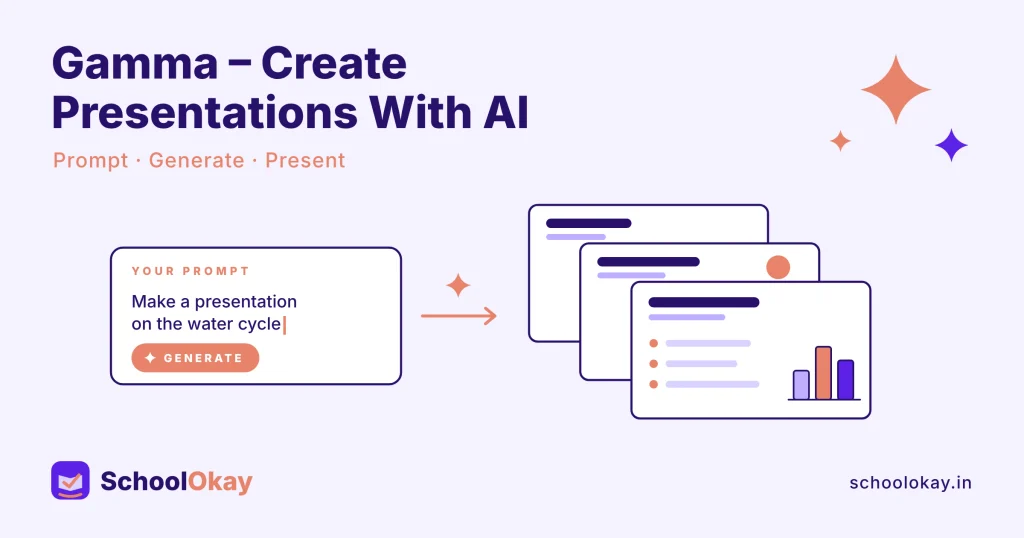
Creating presentations can take a considerable amount of time. From organising information to designing slides, students often spend hours preparing a single presentation.
Gamma makes this process easier by helping users turn ideas, outlines, and written content into visual presentations.
It is particularly useful when students need to prepare project presentations, classroom assignments, or educational documents.
What can students do with Gamma?
- Generate presentation drafts.
- Turn written ideas into slides.
- Create visual documents.
- Organise information into structured presentations.
- Save time on presentation design.
Website: https://gamma.app
7. Wolfram Alpha – A Powerful Tool for Mathematics and Science
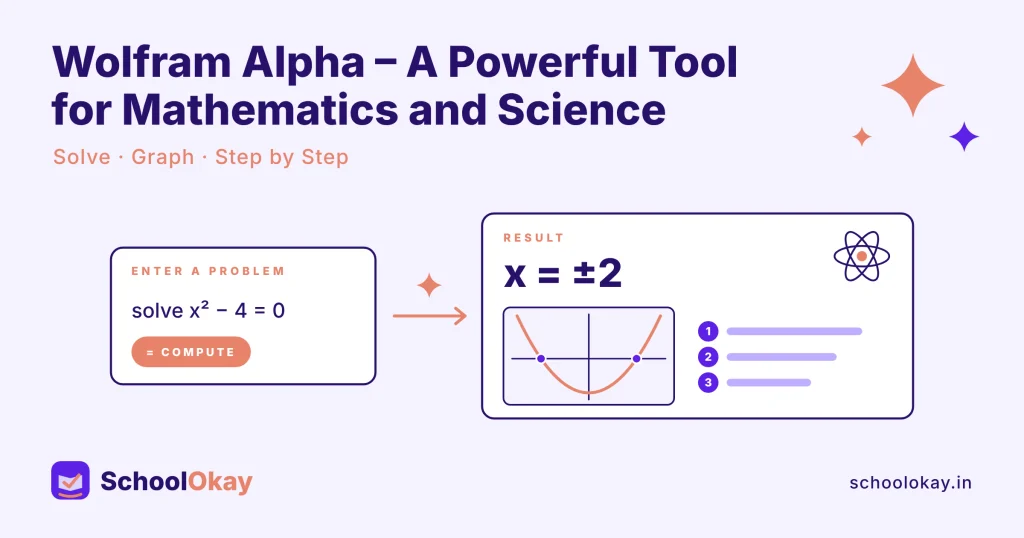
Mathematics and science involve complex calculations, equations, and concepts. Wolfram Alpha is a computational knowledge engine that can help students explore and solve different types of problems.
It is especially useful for students studying mathematics, physics, engineering, and other technical subjects.
Rather than relying only on final answers, students can use it to explore mathematical expressions and understand computational results.
What can students do with Wolfram Alpha?
- Solve mathematical problems.
- Calculate equations.
- Explore scientific concepts.
- Perform complex computations.
- Check mathematical results.
Website: https://www.wolframalpha.com
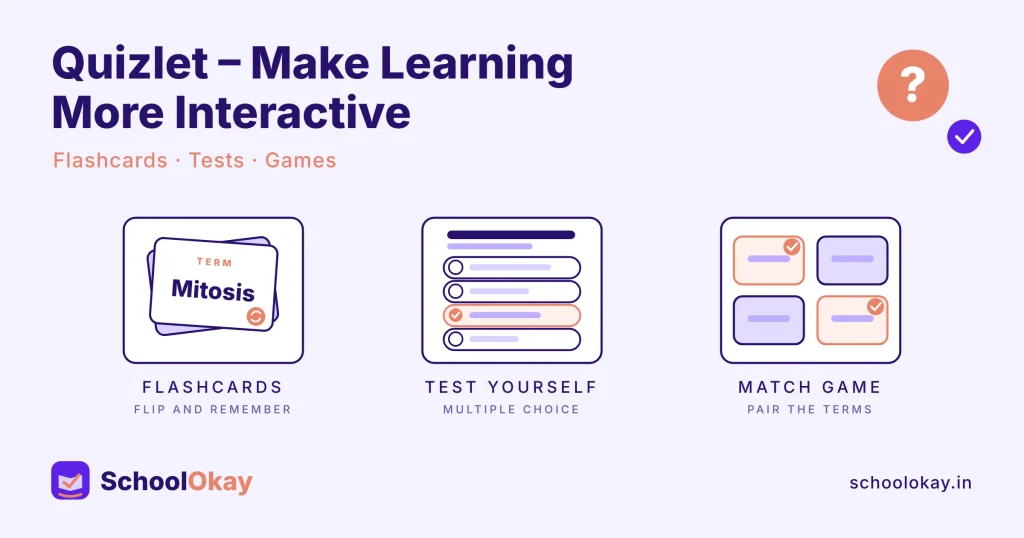
8. Quizlet – Make Learning More Interactive
Remembering important information is one of the biggest challenges students face during examinations.
Quizlet helps make revision more interactive through digital flashcards, practice activities, and learning tools.
Students can organise important concepts into flashcards and use them for regular revision.
What can students do with Quizlet?
- Create digital flashcards.
- Practise important definitions.
- Revise concepts regularly.
- Test their knowledge.
- Prepare for examinations.
Website: https://quizlet.com
9. Canva – Design Professional Projects and Presentations
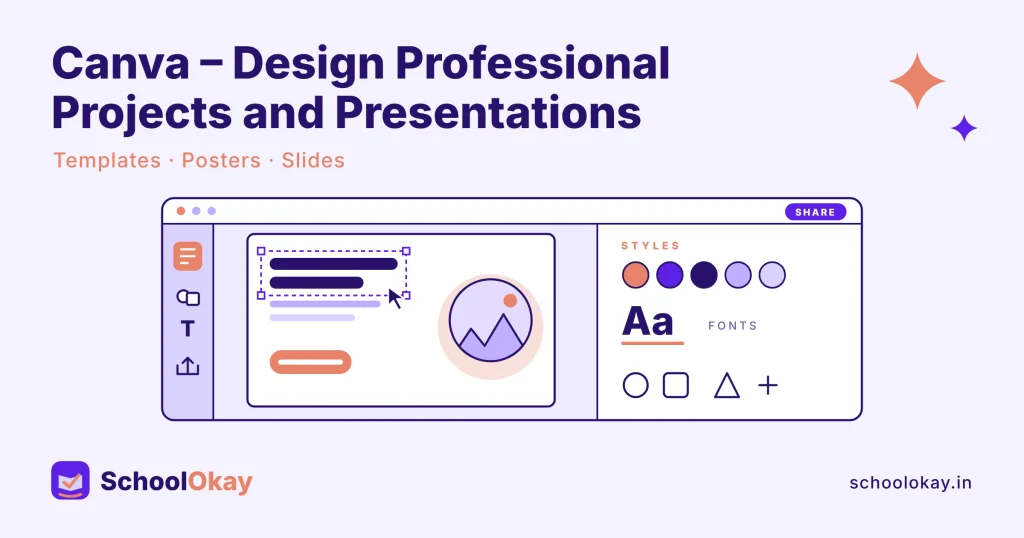
Canva is a popular design platform that makes graphic design accessible to everyone, including students who have no previous design experience.
Students can use Canva to create presentations, posters, infographics, resumes, and other academic projects.
Its AI-powered features can also help users generate content and speed up their creative workflows.
What can students do with Canva?
- Design classroom presentations.
- Create posters and infographics.
- Prepare professional resumes.
- Make educational graphics.
- Create visual project reports.
Website: https://www.canva.com
10. GitHub Copilot – Your AI Coding Companion
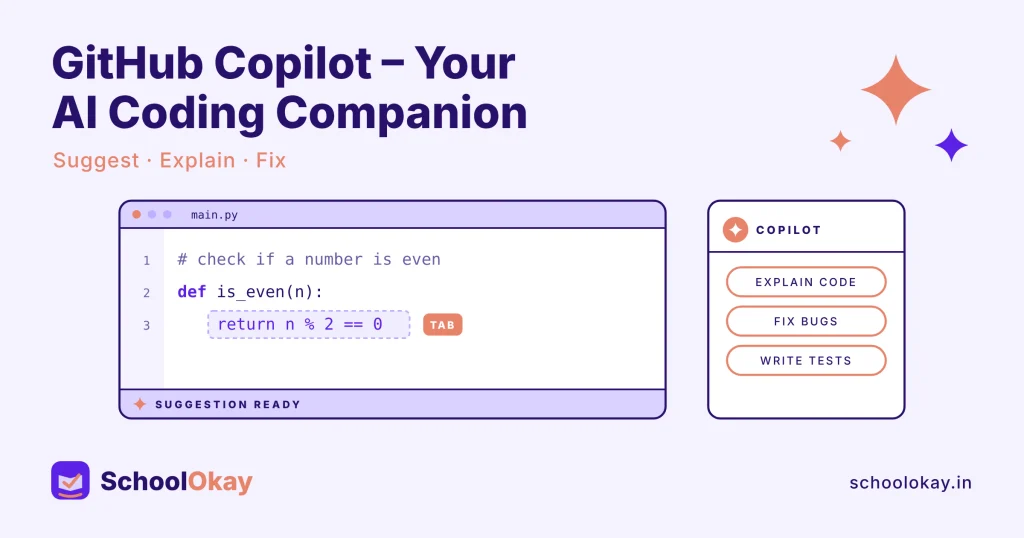
For students learning programming, GitHub Copilot can be a useful coding assistant.
It helps developers write code, understand programming concepts, generate suggestions, and identify potential errors.
Students who are learning Python, JavaScript, or other programming languages can use it to explore coding concepts and build their first projects.
What can students do with GitHub Copilot?
- Generate code suggestions.
- Understand unfamiliar code.
- Find and fix programming errors.
- Explore programming concepts.
- Build coding projects.
Website: https://github.com/features/copilot
Why Should Students Learn to Use AI Tools?
Artificial Intelligence is becoming an important part of education and the modern workplace. Students who understand how to use these tools effectively can improve their research, productivity, creativity, and problem-solving skills.
However, AI should not become a replacement for actual learning.
Students should use AI to understand concepts, practise their skills, and explore new ideas rather than blindly copying generated answers.
The real advantage comes from combining human thinking with the capabilities of artificial intelligence.
Final Thoughts
You don’t need to learn every AI tool available on the internet. Start with the ones that solve your biggest challenges.
If you struggle with research, try Perplexity AI or NotebookLM. If you need help with writing, explore Grammarly and ChatGPT. If you’re interested in coding, GitHub Copilot is worth exploring.
Remember: The goal is not to let AI do all your learning. The goal is to use AI to become a better learner.
Explore these tools, experiment with their features, and discover how they can make your student life more productive.
SchoolOkay – Making learning simpler for students.